 vikram1@gmail.com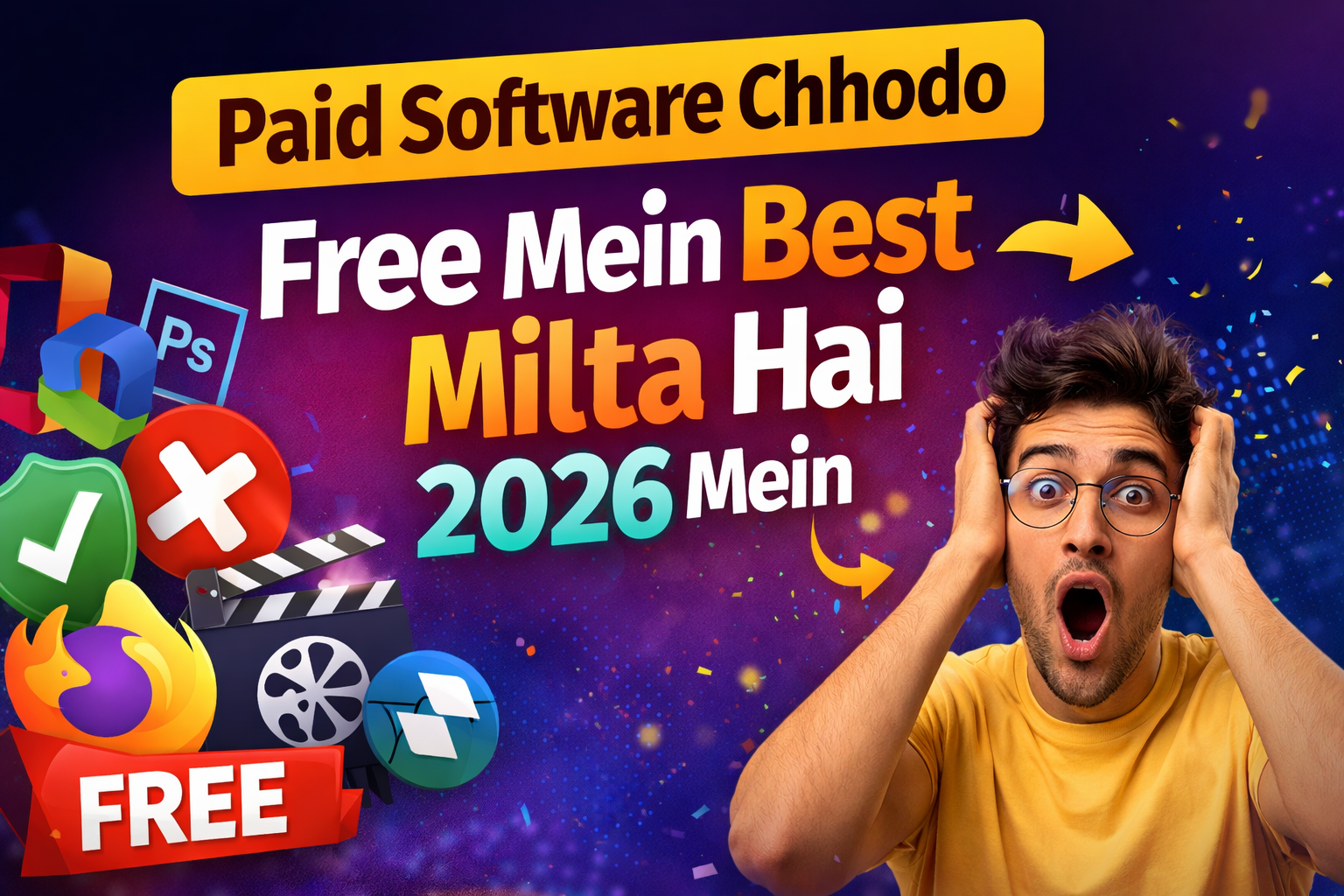
Aaj ke digital zamane mein har student aur professional ko productivity tools ki zaroorat hoti hai — lekin premium software ka kharcha bohot zyada hota hai. Kya aap jaante hain ki kuch best tools bilkul FREE mein available hain? Haan, bilkul sahi suna. Yeh Free Software Guide aapko un 7 must-have tools ke baare mein batayegi jo 2026 mein har student aur professional ke liye zaroori hain — safe, trusted aur virus-free sources ke saath. Paisa bachao, productivity badhao.
Lekin ek important sawaal — internet par hazaaron websites hain jo “free software” dene ka claim karti hain. Unme se bahut saari sites malware, spyware ya outdated versions deti hain jo aapke computer ko damage kar sakti hain. Isliye is Free Software Guide mein hum sirf 100% verified, trusted aur official sources hi share karenge — koi risk nahi, koi virus nahi.
Important Note: Yeh guide sirf legal, open-source aur officially free software ke baare mein hai. Koi piracy, cracked software ya unauthorized downloads promote nahi ki jaati.
Paid Software Chhodo — Free Mein Best Milta Hai 2026 Mein

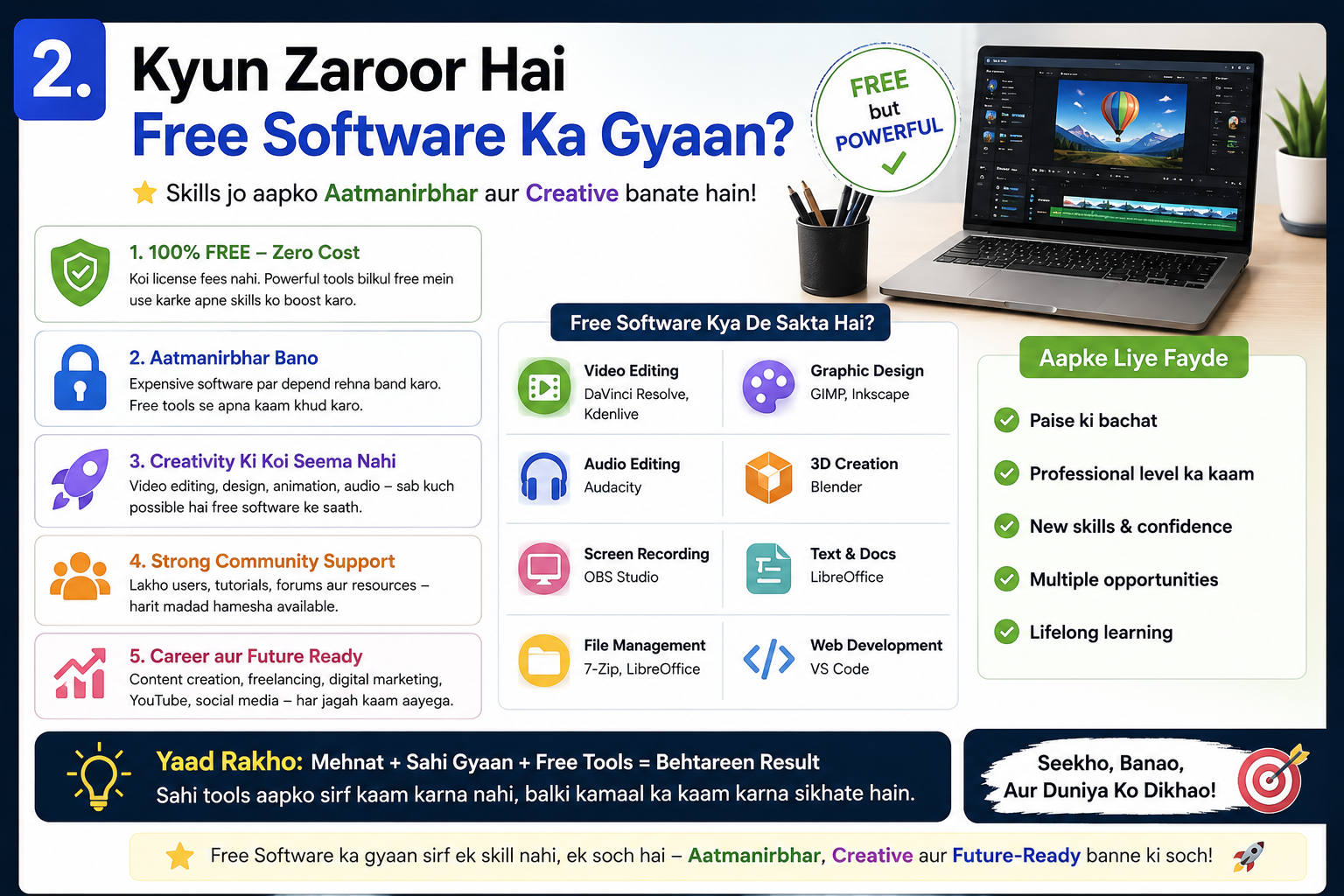
2026 mein open-source aur freemium software itna advance ho chuka hai ki paid alternatives ki zaroorat hi nahi padti. LibreOffice Microsoft Office ki jagah le sakta hai, GIMP Photoshop ki, aur DaVinci Resolve Premier Pro ki — bilkul free. Is Free Software Guide ka maksad yahi hai ki aap best tools ko pehchano aur unhe safely download karo.
- Students ke liye: Zyada paisa books aur courses par lagao, software par nahi.
- Professionals ke liye: Side projects aur freelance kaam ke liye overhead zero rakho.
- Small businesses ke liye: Rs. 50,000+ per year bachao legally.
Tool #1: LibreOffice — Microsoft Office Ka Best Free Alternative
Is Free Software Guide mein pehla tool hai LibreOffice — ek complete office suite jo Writer (Word jaisa), Calc (Excel jaisa), Impress (PowerPoint jaisa), aur Draw offer karta hai. Yeh Windows, Mac aur Linux teeno par kaam karta hai. Microsoft Office ka subscription har saal hazaron rupees leta hai — LibreOffice wahi kaam bilkul free karta hai.
Key Features:
- .docx, .xlsx, .pptx formats ko fully support karta hai — MS Office files easily khulengi.
- PDF export built-in — alag software ki zaroorat nahi.
- Extensions aur macros support — power users ke liye best.
Safe Download: www.libreoffice.org (Official Site Only)
Best For: Students, Writers, Office Workers, Teachers
Tool #2: GIMP — Professional Photo Editing Bilkul Free
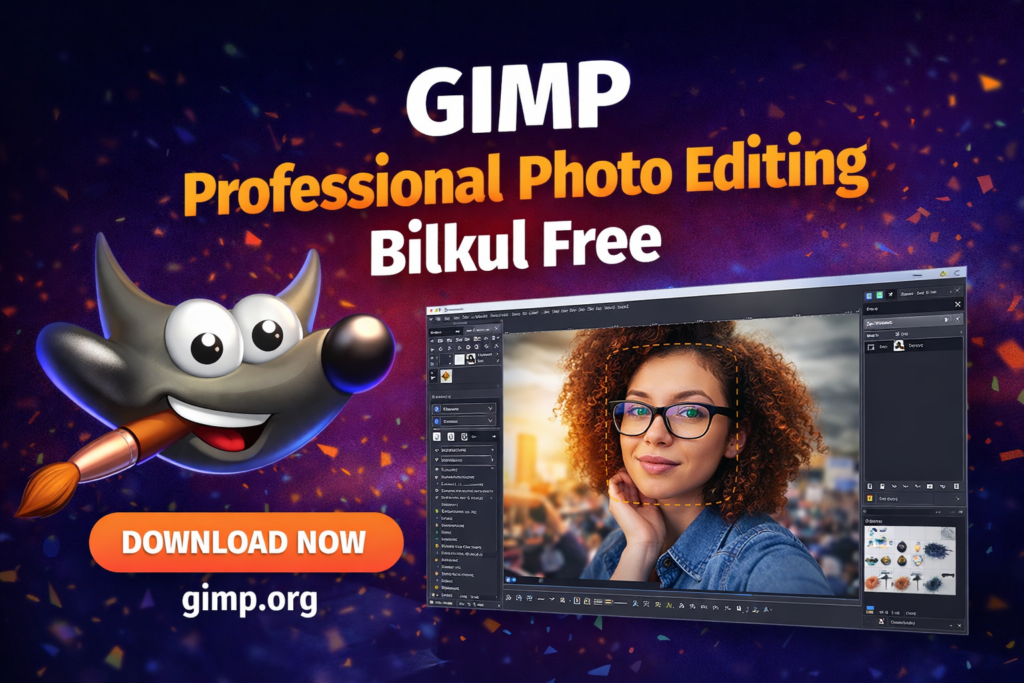
GIMP (GNU Image Manipulation Program) ek powerful image editor hai jo Adobe Photoshop ke bohot saare kaam karta hai — aur yeh bilkul free hai. Graphic designers, bloggers, social media managers aur students sabke liye yeh tool ek game-changer hai. Yeh is Free Software Guide ka doosra most important recommendation hai.
Key Features:
- Layers, masks, filters — Photoshop-level editing tools.
- PSD files support — Photoshop files khul sakti hain.
- Plugins aur scripts se functionality aur badhao.
Safe Download: www.gimp.org (Official Site Only)
Best For: Graphic Designers, Bloggers, Social Media Managers, Artists
Tool #3: DaVinci Resolve — Hollywood-Level Video Editing Free Mein
Agar aap video content create karte hain — YouTube ke liye, college projects ke liye ya professional freelancing ke liye — toh DaVinci Resolve aapka best dost hai. Yeh wahi tool hai jo Hollywood films ki color grading ke liye use hota hai. Aur free version itna powerful hai ki zyada log paid version khareedne ki zaroorat hi nahi paate. Kisi bhi genuine Free Software Guide mein DaVinci Resolve ka naam zaroor hona chahiye.
Key Features:
- Professional color correction aur grading tools.
- Multi-track audio editing built-in (Fairlight).
- 4K, 8K video support even in free version.
Safe Download: www.blackmagicdesign.com (Official Site Only)
Best For: YouTubers, Filmmakers, Video Editors, Content Creators
Tool #4: VS Code — World’s #1 Free Code Editor
Agar aap coding seekh rahe hain ya already developer hain, toh Visual Studio Code (VS Code) aapke liye sabse zaroori tool hai. Microsoft ne ise free aur open-source release kiya hai. 2026 mein yeh duniya ka most-used code editor hai. Is Free Software Guide mein yeh tool har IT student aur software professional ke liye ek must-download hai.
Key Features:
- 50+ programming languages support — Python, JavaScript, HTML, C++ sab.
- Extensions marketplace — 30,000+ free plugins.
- GitHub integration built-in — collaboration easy.
Safe Download: code.visualstudio.com (Official Site Only)
Best For: Developers, CS Students, Web Designers, Data Scientists
Tool #5: VLC Media Player — No-Nonsense, Virus-Free, All-Format Player
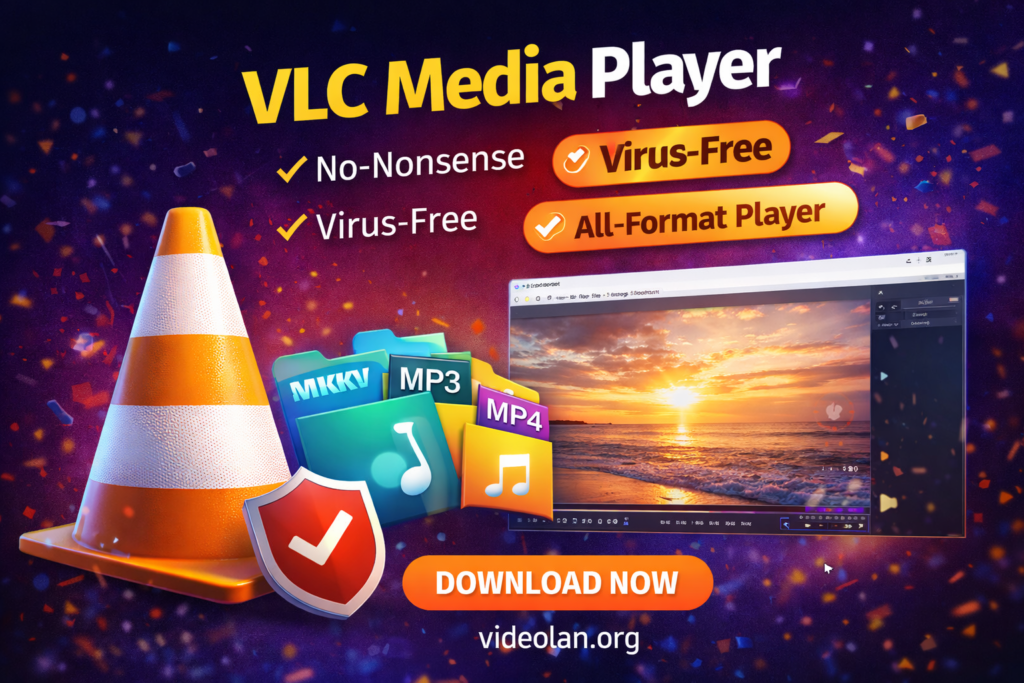
VLC shayad sabse simple tool hai is list mein — lekin yeh sabse trusted bhi hai. Koi bhi video ya audio format ho — MP4, MKV, AVI, FLAC — VLC sab chalata hai. Koi ads nahi, koi bundled software nahi, koi tracking nahi. Agar aap kisi random website se media player download kar rahe hain, toh ruk jao. Yeh Free Software Guide aapko sirf official source se download karne ki salah deta hai.
Key Features:
- 300+ formats support — without installing extra codecs.
- Network streaming support — YouTube, Twitch streams bhi play karo.
- Completely ad-free aur open-source — VideoLAN nonprofit runs it.
Safe Download: www.videolan.org (Official Site Only)
Best For: Students, Professionals, Everyone — Universal Recommendation
Tool #6: Audacity — Free Audio Recording & Editing Tool
Podcasters, music students, voice-over artists aur online teachers ke liye Audacity ek perfect free tool hai. Yeh ek multi-track audio editor hai jo professional audio clean karne, recording karne aur mixing karne mein help karta hai. Hum is Free Software Guide mein Audacity ko isliye include kar rahe hain kyunki yeh 2026 mein bhi audio creators ki pehli pasand bana hua hai.
Key Features:
- Noise reduction — background noise instantly remove karo.
- MP3, WAV, FLAC export support.
- VST plugins support — advanced audio effects free mein.
Safe Download: www.audacityteam.org (Official Site Only)
Best For: Podcasters, Music Students, Voice-Over Artists, Online Teachers
Tool #7: Notion (Free Plan) — Ultimate Productivity & Notes App
Notion 2026 mein har student aur professional ki productivity ki backbone ban chuka hai. Notes, to-do lists, project management, databases, wikis — sab kuch ek hi jagah. Free plan students ke liye kaafi hai. Is Free Software Guide ka saatwan aur final recommendation Notion hai — kyunki yeh tool aapki life organize karne mein sabse zyada help karta hai.
Key Features:
- Notes + Database + Task Manager — teen apps ek mein.
- Free templates library — thousands of ready-made setups.
- Web, Desktop aur Mobile — sab platforms par sync hota hai.
Safe Download: www.notion.so (Official Site Only)
Best For: Students, Project Managers, Freelancers, Researchers, Everyone
Virus-Free Download Ke Liye Golden Rules — Kabhi Mat Bhulo
Yeh Free Software Guide sirf tools batane par khatam nahi hoti — safe download karna utna hi zaroori hai. Internet par fake software sites se hazaron log roz apne computers mein virus, ransomware aur spyware install kar lete hain. Aapke saath aisa na ho isliye yeh golden rules yaad rakho:
- Hamesha Official Website Se Download Karo: Google par software ka naam search karo aur URL carefully check karo. Official sites pe HTTPS hota hai aur domain clearly brand ka hota hai.
- Installer File Ko VirusTotal Par Scan Karo: www.virustotal.com par jaao, downloaded file upload karo, aur 70+ antivirus engines se scan hogi — bilkul free.
- Kisi Bhi Third-Party Download Site Se Bachein: Softonic, FileHippo, CNET Downloads — kuch third-party sites bundled adware deti hain. Direct official source best hai.
- “Keygen” aur “Crack” Se Dur Raho: Yeh illegal hain aur almost 100% cases mein malware contain karte hain. Free alternatives use karo — is guide mein wohi bataye gaye hain.
- Windows Defender Active Rakho: Windows 10/11 mein built-in Windows Defender kaafi powerful hai. Ise disable mat karo — yeh aapki pehli line of defense hai.
Bonus: 5 Trusted Websites Jahan Se Safe Free Software Milti Hai
Is Free Software Guide mein ek bonus section bhi hai — agar aap directly developer ki website nahi jaana chahte, toh yeh 5 trusted aggregator sites bhi safe hain:
- GitHub.com — Open-source projects ka official home. Developer-verified software milti hai.
- SourceForge.net — Purana aur trusted platform open-source software ke liye.
- Microsoft Store — Windows par built-in; curated aur verified apps milti hain.
- Apple App Store — Mac users ke liye safest source.
- FossHub.com — Specifically open-source aur free software ke liye curated, clean platform.
Quick Reference: 7 Tools At A Glance
Is Free Software Guide ka summary ek nazar mein:
- LibreOffice –> MS Office replacement –> libreoffice.org
- GIMP –> Photo editing (Photoshop alternative) –> gimp.org
- DaVinci Resolve –> Video editing –> blackmagicdesign.com
- VS Code –> Code editor –> code.visualstudio.com
- VLC Media Player –> Media playback –> videolan.org
- Audacity –> Audio editing –> audacityteam.org
- Notion (Free) –> Productivity & notes –> notion.so
Conclusion: Ab Paisa Bachao, Kaam Badhao!
Yeh thi hamari complete Free Software Guide — 7 must-have tools jo 2026 mein har student aur professional ki life aasaan kar sakte hain — bilkul free, virus-free aur trusted sources se. Aaj ki duniya mein kisi bhi professional tool ke liye paisa dene ki zaroorat nahi hai agar aapko sahi alternatives pata hon.
Yaad rakho — free software weak nahi hoti. LibreOffice, GIMP, DaVinci Resolve jaise tools duniya bhar mein professionals use karte hain. Farq sirf yeh hai ki aap inke baare mein jaante hain ya nahi. Ab aap jaante hain — toh aaj hi download karo.
Agar yeh Free Software Guide helpful lagi, toh apne dosto aur classmates ke saath share karo — unka bhi paisa bachao! Aur comment mein batao: aap konsa tool pehle try karoge?