 vikram1@gmail.com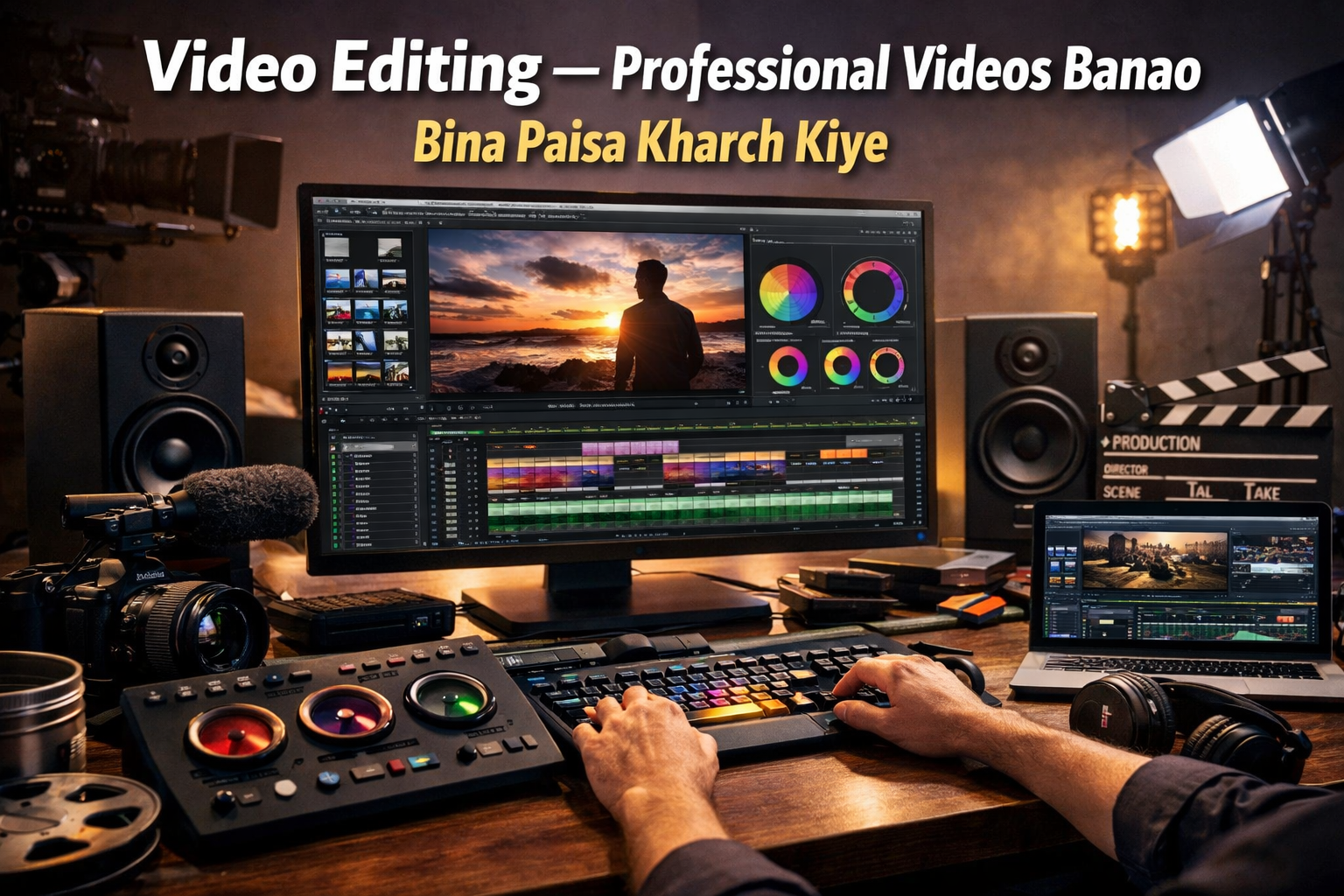
Introduction: Aaj Ke Digital Daur Mein Free Software Kyun Zaroori Hai?
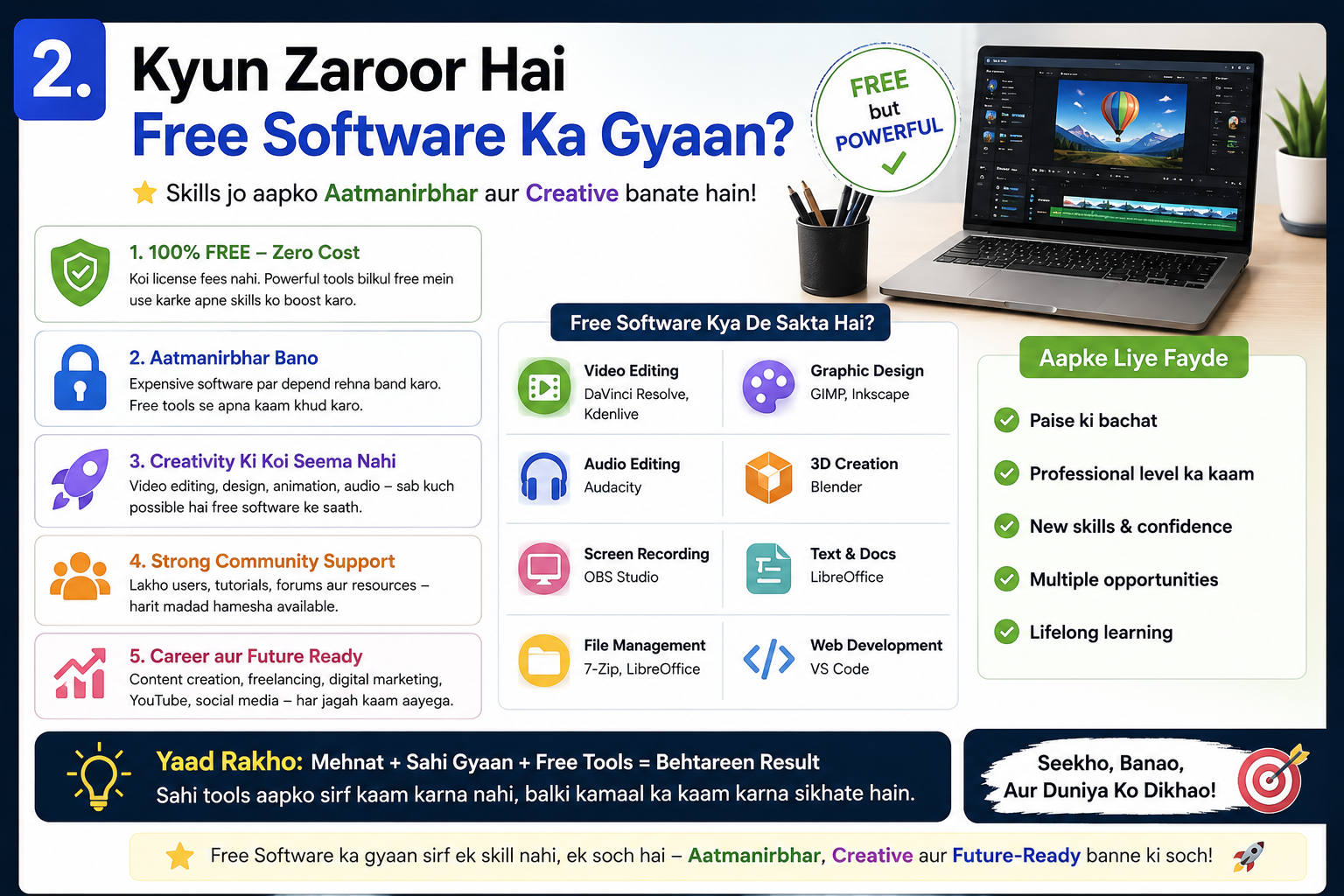
Aaj ka zamaana digital hai. Chahe aap student ho, freelancer ho, ya ghar se kaam karne wale professional — Complete Free Software Guide for Windows aapke liye ek game-changer hai. Paid software ke liye hazaron rupaye kharch karna ab zaroori nahi raha. 2026 mein itne powerful, safe aur feature-rich free tools available hain ki aap bina ek paisa kharch kiye professional kaam kar sakte ho.
Lekin yahan ek problem hai — internet pe hazaron websites hain jo “free software” ke naam pe adware, malware ya expired trials de deti hain. Is guide ka maqsad hai aapko sirf verified, safe aur genuinely free software ke baare mein batana — jo Windows aur Android dono pe kaam kare.
Is Complete Free Software Guide for Windows mein hum cover karenge:
- Productivity tools
- Video editing software
- Security aur antivirus
- Graphic design tools
- PDF tools
- Browser aur internet tools
- Android ke liye best free apps
Toh chaliye shuru karte hain — aur banate hain aapka digital life aasaan, fast aur free!
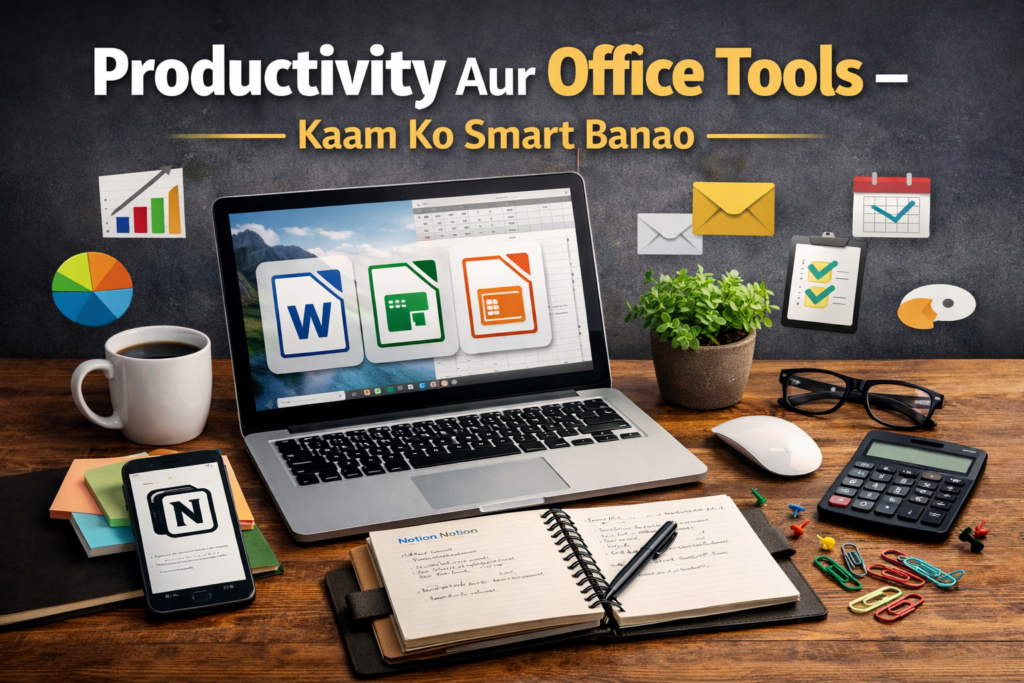
1. Productivity Aur Office Tools — Kaam Ko Smart Banao
LibreOffice — Microsoft Office Ka Free Bhai
Agar aapke paas Microsoft Office nahi hai, toh LibreOffice sabse better option hai. Yeh ek complete office suite hai jisme Writer (Word jaisa), Calc (Excel jaisa), aur Impress (PowerPoint jaisa) sab kuch milta hai. Yeh Windows 10 aur Windows 11 dono pe perfectly kaam karta hai.
Features:
- DOCX, XLSX, PPTX formats support karta hai
- 100+ languages mein available
- Regular updates ke saath secure
- Open Source — completely free forever
Download: libreoffice.org
Notion Free Plan — Notes aur Project Management
Notion ek modern productivity tool hai jo notes, databases, task management aur team collaboration ek jagah deta hai. Iska free plan students aur solo professionals ke liye kafi hai. Complete Free Software Guide for Windows mein yeh tool top 3 mein aata hai kyunki iski versatility unmatched hai.
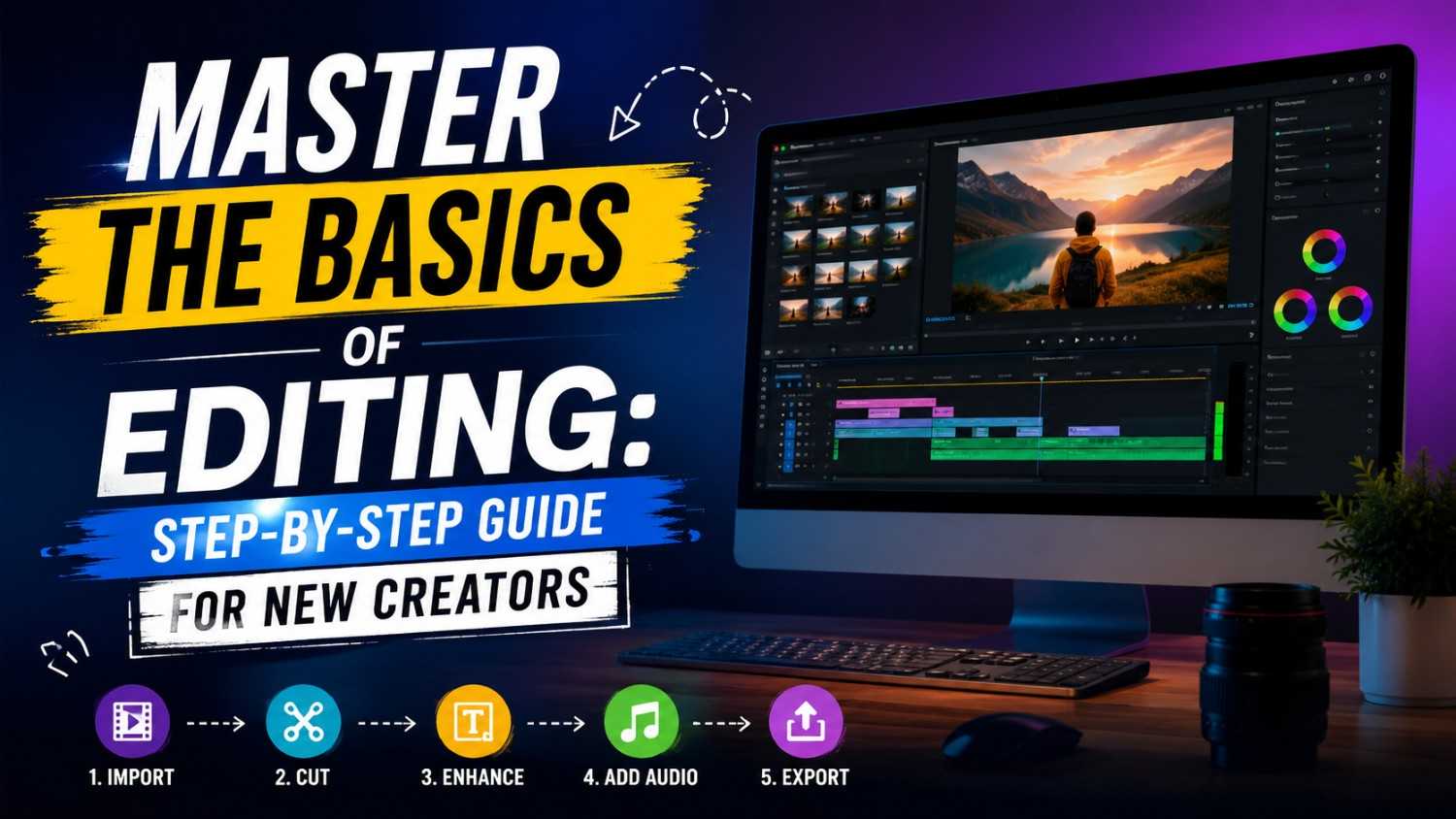
2. Video Editing — Professional Videos Banao Bina Paisa Kharch Kiye

DaVinci Resolve — Hollywood Level Editing, Zero Cost
DaVinci Resolve duniya ka sabse powerful free video editor hai. Yeh wahi software hai jo Hollywood films mein use hota hai. Iska free version itna capable hai ki most professionals ko paid version ki zaroorat hi nahi padti.
Kya milta hai free mein:
- 4K video editing support
- Professional color grading tools
- Fairlight audio mixing
- Visual effects aur motion graphics
- Multi-track timeline editing
Agar aap YouTube channel banate ho ya social media content create karte ho, toh DaVinci Resolve aapki Complete Free Software Guide for Windows list mein zaroor hona chahiye.
Kdenlive — Beginners Ke Liye Best
Jo log video editing mein naye hain unke liye Kdenlive ek simple aur clean interface deta hai. Yeh open-source hai aur Windows pe smoothly run karta hai.
3. Photo Aur Graphic Design — Creative Work Free Mein
GIMP — Photoshop Ka Free Alternative
GIMP (GNU Image Manipulation Program) ek professional-grade image editor hai jo Photoshop ke saare basic functions free mein deta hai. Layers, filters, brushes, RAW editing — sab kuch available hai.
Best Use Cases:
- Photo retouching aur restoration
- Digital art creation
- Web graphics banana
- Logo design
Canva Free Version — Social Media Graphics Ke Liye
Canva ka free plan bahut powerful hai — 250,000+ templates, drag-and-drop interface, aur social media ready sizes. Instagram posts, YouTube thumbnails, presentations — sab kuch minutes mein ready.
Inkscape — Vector Graphics Ka Raja
Inkscape SVG-based vector graphics editor hai jo Adobe Illustrator ka free alternative hai. Logo banane ke liye, infographics ke liye, ya print-ready designs ke liye yeh perfect tool hai.
4. Security Aur Privacy — Apna Computer Safe Rakho

Yeh section Complete Free Software Guide for Windows ka sabse important hissa hai — kyunki ek unsafe computer sab kuch barbaad kar sakta hai.
Windows Defender — Built-in Lekin Powerful
Windows 10 aur 11 mein pehle se aane wala Windows Defender 2026 mein surprisingly powerful ho gaya hai. Independent tests mein yeh 99% se zyada malware detect karta hai. Agar aap careful user ho, toh kisi additional antivirus ki zaroorat nahi.
Malwarebytes Free — Extra Protection Layer
Agar additional scanning chahiye toh Malwarebytes ka free version on-demand scanning deta hai. Yeh real-time protection nahi deta (woh paid hai), lekin manual scans ke liye excellent hai.
Bitwarden — Password Manager
Bitwarden ek open-source password manager hai jo aapke saare passwords securely store karta hai. LastPass aur 1Password ke paid plans se zyada features milte hain is free tool mein. Cross-platform support hai — Windows, Android, iOS, browser extension — sab pe kaam karta hai.
ProtonVPN Free — Basic VPN Protection
ProtonVPN ka free plan unlimited data deta hai (sirf 3 countries ke servers ke saath), jo basic privacy needs ke liye kafi hai. Bandwidth throttling nahi hai — jo isse doosre free VPNs se alag banata hai.
5. PDF Tools — Documents Ko Manage Karo
PDF24 — Sabse Complete Free PDF Solution
PDF24 ek all-in-one free PDF tool hai jisme:
- PDF create karo kisi bhi file se
- Multiple PDFs merge karo
- PDF split karo pages ke hisaab se
- PDF compress karo size kam karne ke liye
- PDF ko Word, Excel, Image mein convert karo
- PDF mein text add karo ya sign karo
Yeh offline bhi kaam karta hai aur online bhi — dono versions free hain. Complete Free Software Guide for Windows mein PDF tools ke category mein PDF24 number one choice hai.
Smallpdf / ILovePDF (Online)
Agar sirf occasionally PDF kaam karna ho toh SmallPDF aur ILovePDF ke online free tools use kar sakte ho. Daily heavy usage ke liye PDF24 better hai.
6. Browser Aur Internet Tools — Faster aur Smarter Browsing
Mozilla Firefox — Privacy-First Browser
Firefox 2026 mein bhi top choice hai privacy-conscious users ke liye. Enhanced Tracking Protection, picture-in-picture video, aur powerful extensions ke saath yeh Chrome se zyada private experience deta hai.
Brave Browser — Built-in Ad Blocker
Brave browser mein built-in ad blocker hai jo ads aur trackers block karta hai by default. Iska result? Pages 3x faster load hote hain aur battery life improve hoti hai. Chromium-based hone ki wajah se Chrome ke saare extensions kaam karte hain.
uBlock Origin Extension — Best Free Ad Blocker
Chahe aap koi bhi browser use karo, uBlock Origin extension zaroor add karo. Yeh lightweight, open-source aur extremely effective hai — poori Complete Free Software Guide for Windows mein sabse underrated tool.
7. Developer Aur Technical Tools
VS Code — Sabse Popular Free Code Editor
Visual Studio Code Microsoft ka free code editor hai jo professional developers ki pehli choice ban chuka hai. 2026 mein iski AI features (GitHub Copilot integration), extensions marketplace, aur Git support ne isse unbeatable bana diya hai.
Git for Windows — Version Control
Open source projects ya personal code ke liye Git version control zaroori hai. Git for Windows free mein download hota hai aur VS Code ke saath perfectly integrate karta hai.
XAMPP — Local Web Development Server
Agar aap web development seekh rahe ho ya WordPress locally test karna chahte ho, XAMPP (Apache, MySQL, PHP) ek free package hai jo minutes mein local server setup kar deta hai.
8. Android Ke Liye Best Free Apps — Mobile Pe Bhi Powerful Raho
Complete Free Software Guide for Windows sirf Windows tak limited nahi hai — Android pe bhi free tools ki puri duniya hai.
VLC for Android — Universal Media Player
VLC Android pe bhi wahi karta hai jo Windows pe karta hai — har format ka video aur audio play karna. Ads nahi, in-app purchases nahi, sirf pure media playback.
AndroZip / Total Commander — File Manager
Android ka default file manager limited hota hai. AndroZip ya Total Commander zyada control dete hain — zip files, hidden folders, FTP access sab kuch free mein.
Termux — Android Pe Linux Terminal
Developers ke liye Termux ek amazing free tool hai — Android pe poora Linux environment milta hai command line ke saath. Python, Node.js, SSH — sab kuch run kar sakte ho bina rooting ke.
OpenCamera — Better Than Stock Camera
Agar aapke phone ka stock camera app limited features deta hai, OpenCamera ek free open-source alternative hai jisme manual controls, RAW support aur exposure controls milte hain.
9. Entertainment Aur Media Tools
VLC Media Player — Timeless Classic
VLC 2026 mein bhi irreplaceable hai. Koi bhi video format — MP4, MKV, AVI, MOV, FLV — VLC sab kuch bina additional codecs ke chalata hai. Network streams, subtitles, audio equalizer — poori package completely free.
FreeTube — YouTube Ads Ke Bina
FreeTube ek open-source YouTube client hai Windows ke liye jo ads ke bina, tracking ke bina YouTube videos dekhneki suvidha deta hai. Subscriptions locally save hote hain, koi Google account nahi chahiye.
Spotify Free — Music Streaming
Spotify ka free tier ads ke saath aata hai, lekin agar aap ads se nahi darte toh millions of songs free mein available hain. Students aur budget-conscious users ke liye yeh best option hai.
10. System Optimization Tools — Computer Ko Fast Rakho
BleachBit — Disk Cleaner
BleachBit Windows ke liye CCleaner ka better open-source alternative hai. Cache, temporary files, browser history — sab kuch safely clean karta hai. Yeh actually open source hai aur aapki data privacy ka dhyan rakhta hai.
CPU-Z aur HWMonitor — System Information
CPU-Z aapke hardware ki detailed information deta hai — processor, RAM, motherboard. HWMonitor temperature, fan speed aur voltage monitor karta hai. Dono completely free hain aur troubleshooting mein bahut kaam aate hain.
Ventoy — Bootable USB Creator
Agar aapko multiple operating systems install karne ho ya bootable USB banana ho, Ventoy sabse easy tool hai. Ek hi USB drive pe multiple ISO files rakh sakte ho — yeh magic jaisi feature hai!
Safe Download Ke Liye Golden Rules — Virus Se Bacho
Complete Free Software Guide for Windows follow karte waqt yeh rules hamesha yaad rakho:
Rule 1: Hamesha official website se download karo. Third-party sites pe repackaged installers mein bundleware ya malware hota hai.
Rule 2: Download karne ke baad VirusTotal.com pe file scan karo — 70+ antivirus engines ek saath check karte hain.
Rule 3: Installation ke dauraan “Custom Install” choose karo aur unwanted software ke checkboxes uncheck karo.
Rule 4: Crack ya keygen wali files kabhi download mat karo — yeh almost always malware hote hain.
Rule 5: Trusted sources use karo jaise: ninite.com (automatic safe installation), fosshub.com (open source software), ya sourceforge.net.
Conclusion: Aapki Free Digital Life Ka Roadmap
2026 mein Complete Free Software Guide for Windows follow karke aap ek paise ke bina ek fully functional, secure aur powerful digital setup bana sakte ho. Agar aap student ho — LibreOffice, GIMP, Canva, VLC aur Bitwarden se shuru karo. Freelancer ho — DaVinci Resolve, PDF24, VS Code aur Brave Browser add karo. Gamer ya entertainer ho — FreeTube, VLC, aur Spotify free aapke kaam aayenge.
Sabse important baat — in sab tools ka regular update karte raho. Free hona zaroori nahi matlab outdated. Yeh saare tools actively maintained hain aur regularly security patches milte hain.
Yeh Complete Free Software Guide for Windows aapko ek clear direction deta hai — ab decision aapka hai. Apna digital arsenal free mein build karo, safe raho, aur productive raho!
Frequently Asked Questions (FAQ)
Q1: Kya free software paid software se safe hota hai? Reputed open-source aur free tools jaise LibreOffice, VLC, Firefox actually paid software se zyada transparent hote hain kyunki unka source code publicly available hota hai.
Q2: Complete Free Software Guide for Windows Windows 11 pe kaam karta hai? Haan, is guide mein mentioned saare tools Windows 10 aur Windows 11 dono ke saath compatible hain.
Q3: Android apps bhi is guide mein hain? Haan, is Complete Free Software Guide for Windows mein Android ke liye bhi best free apps cover kiye gaye hain.
Q4: Safe download ke liye best website kaunsi hai? Ninite.com, FossHub.com aur official developer websites sabse safe options hain.