 vikram1@gmail.com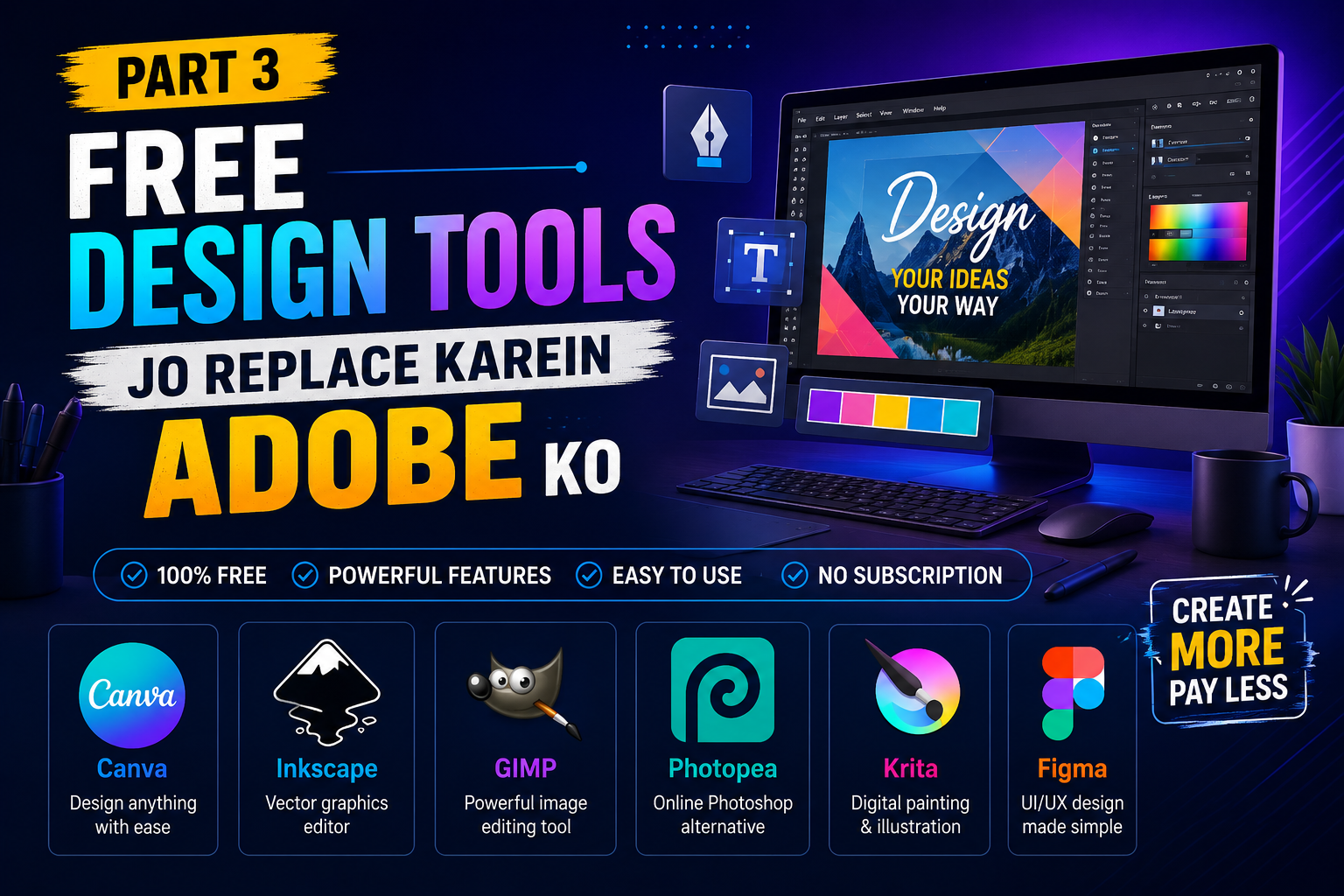
Ek Hi Guide Mein — Video Editing, Office Work aur Design Ke Sabse Behtareen Free Tools
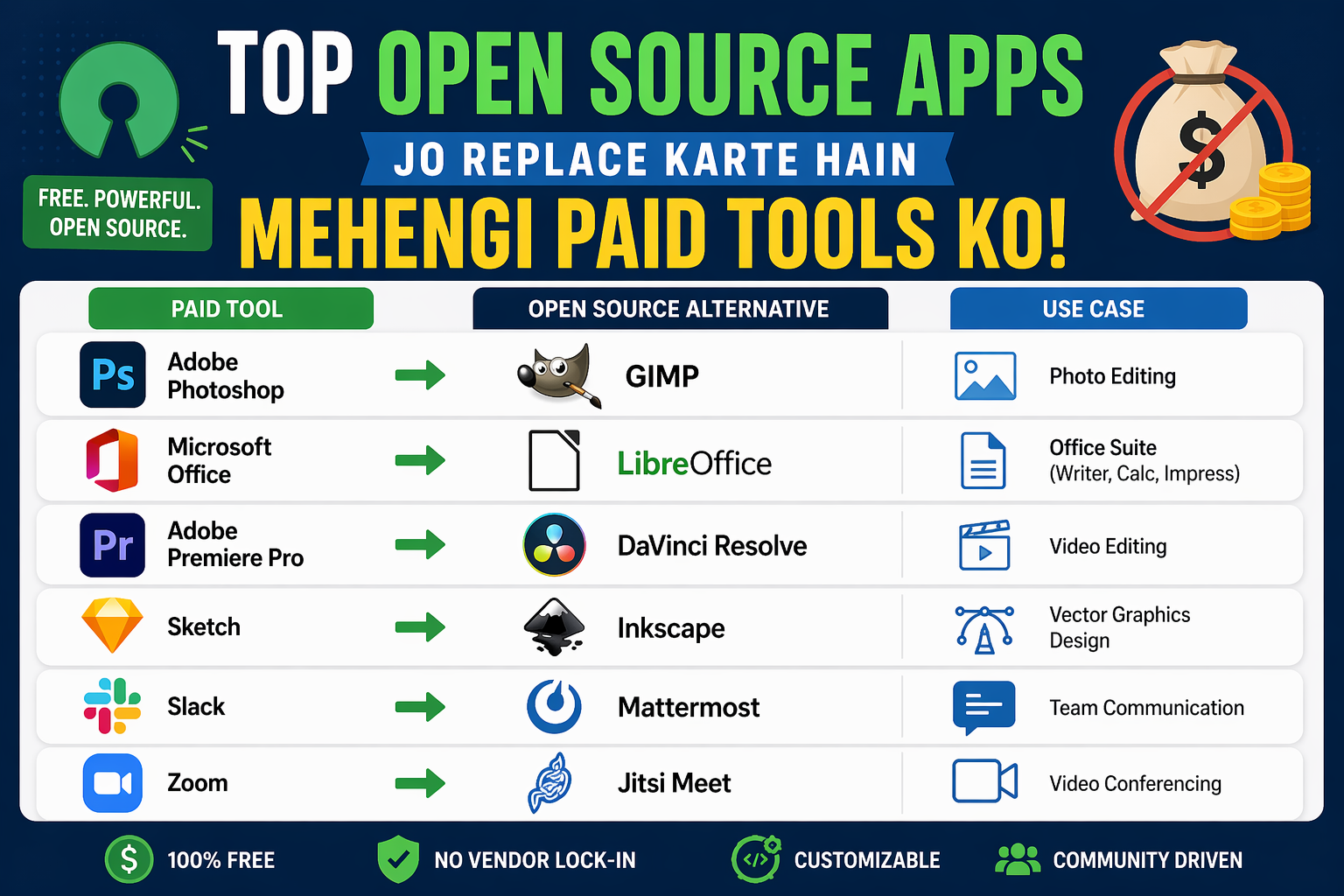
Aaj ke zamane mein agar aap ek content creator hain, ek student hain, ek freelancer hain, ya koi chhota business chalate hain — toh aapko teen cheezoin ki zaroorat hoti hai. Achha video editing software. Ek reliable office suite. Aur ek powerful design tool.
Problem yeh hai ki in teeno ke liye premium software ka price sun kar hi pairo tale zameen khisak jaati hai. Adobe ka Creative Cloud, Microsoft Office ka subscription, aur Final Cut Pro — yeh teeno milaa ke har mahine Rs. 8,000 se Rs. 15,000 ka kharcha ban sakta hai.
Lekin sachchi baat yeh hai ki aapko ek rupaya bhi kharch karne ki zaroorat nahi hai.
Top Free Software Tools for Video Editing, office work aur design ke liye 2026 mein itne powerful options available hain ki paid software se switch karne ke baad log afsos karte hain ki pehle kyun nahi kiya. Is complete guide mein hum aapko teeno categories ke best free tools ek jagah batayenge — clearly, simply, aur practically.
Toh chaliye seedha shuru karte hain.
Part 1 — Top Free Software Tools for Video Editing
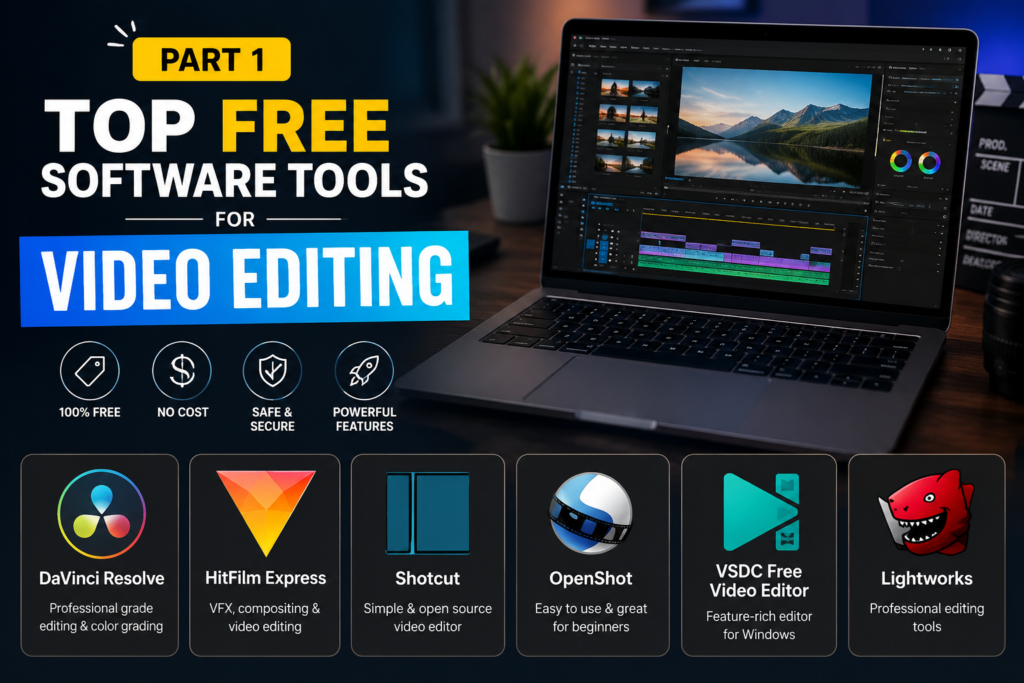
Video editing sabse zyada paisa khaane wala software category hai. Lekin 2026 mein free alternatives itne mature ho gaye hain ki professional filmmakers bhi inhe use karte hain. Yahan hain top picks:
1. DaVinci Resolve — Professional Filmmakers Ka Pehla Choice
Agar aap seriously video editing seekhna chahte hain ya already karte hain, toh DaVinci Resolve aapka best friend hai. Yeh technically free tier hai, lekin iska free version itna powerful hai ki 90% users ko paid version ki kabhi zaroorat hi nahi padti.
Kyu yeh best hai: Hollywood ki badi films jaise “Thor: Love and Thunder” aur bahut saari Netflix series bhi DaVinci Resolve mein edit hoti hain. Yeh ek industry standard tool hai — aur free mein milta hai.
Key Features (Free Version):
- Professional multi-track timeline editing
- Color grading — duniya ka best color correction tool
- Fairlight audio — built-in professional DAW
- Fusion — visual effects aur motion graphics
- 4K aur 8K resolution support
- Collaboration tools
Best for: YouTubers, filmmakers, wedding videographers, content creators
Download: blackmagicdesign.com/products/davinciresolve
Top Free Software Tools for Video Editing ki list mein DaVinci Resolve pehle number par isliye hai kyunki iska koi comparison hi nahi hai free tools mein.
2. Kdenlive — Beginners Ke Liye Perfect Free Video Editor
Agar DaVinci Resolve thoda complex lage, toh Kdenlive ek aur zabardast option hai. Yeh fully open source hai aur beginners ke liye bahut friendly interface deta hai — bina features compromise kiye.
Features:
- Drag-and-drop timeline
- 50+ transitions aur effects
- Title creator built-in
- Proxy editing for slow computers
- Multi-track audio editing
- Windows, Mac, Linux — sab par kaam karta hai
Best for: Students, first-time video editors, social media creators
Download: kdenlive.org
3. OpenShot — Sabse Simple Free Video Editor
Agar aap bilkul beginner hain aur sirf basic video editing chahiye, toh OpenShot try karein. Yeh itna simple hai ki pehli baar use karne wale bhi 30 minutes mein comfortable ho jaate hain.
Highlights:
- Drag and drop interface
- Unlimited tracks
- 3D animated titles
- Slow motion aur fast forward effects
- Audio waveform display
- Export to YouTube, Vimeo directly
Download: openshot.org
4. Shotcut — Advanced Features With Simple Look
Shotcut ek aur powerful free video editor hai jo intermediate users ke liye perfect hai. Yeh FFmpeg par based hai jiska matlab hai almost every video format support karta hai.
Kyu use karein:
- Hardware acceleration support
- 4K editing capable
- Audio filters aur mixing
- Keyframe animation
- No watermark, completely free
Download: shotcut.org
5. CapCut Desktop — Social Media Creators Ka Favorite
CapCut pehle sirf mobile app tha, lekin ab iska desktop version bhi aa gaya hai. Top Free Software Tools for Video Editing ki is list mein CapCut isliye hai kyunki yeh social media content ke liye specially designed hai.
Best features:
- Auto captions (speech to text)
- AI background removal
- Trending templates
- Direct export to TikTok, Instagram, YouTube
- Easy text animations
Best for: Instagram Reels, YouTube Shorts, TikTok creators
Download: capcut.com
Part 2 — Free Office Work Tools Jo Replace Karein Microsoft Office Ko
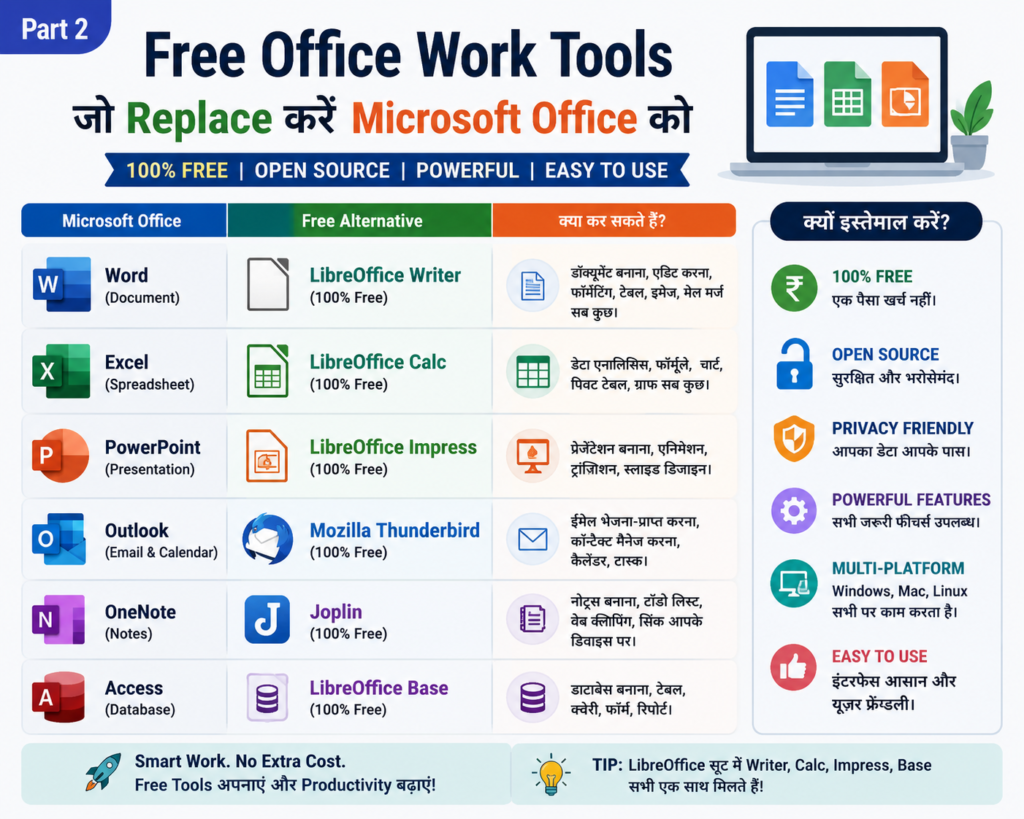
Ek productive workday ke liye office suite bahut zaroori hai. Yeh free tools aapko professional level kaam karne mein help karenge — bilkul free mein.
6. LibreOffice — Microsoft Office Ka Complete Free Replacement
LibreOffice 2026 mein bhi sabse reliable free office suite hai. Yeh completely open source hai aur Microsoft Office files (.docx, .xlsx, .pptx) ko perfectly open aur edit kar sakta hai.
Complete Suite:
- Writer — Microsoft Word jaisi document editing. Professional resumes, reports, letters sab kuch.
- Calc — Excel jaisi spreadsheet. Formulas, charts, pivot tables sab kuch available hai.
- Impress — PowerPoint jaisi presentation tool. Templates aur animations bhi milte hain.
- Draw — Basic graphic design aur diagrams.
- Base — Database management tool.
- Math — Mathematical equations ke liye.
Kyu best hai: Ek baar install karo, zindagi bhar free use karo. No subscription, no renewal, no hidden cost.
7. Google Workspace Free — Cloud-Based Office Ka Badshah
Agar aap cloud mein kaam karna prefer karte hain, toh Google ka free office suite aapke liye perfect hai. Gmail account ke saath yeh sab automatically milta hai.
Kya milta hai:
- Google Docs — Word processing, real-time collaboration
- Google Sheets — Spreadsheets with powerful functions
- Google Slides — Presentation maker
- Google Forms — Surveys aur quizzes
- Google Drive — 15GB free cloud storage
Biggest advantage: Koi installation nahi, sirf browser mein kholo aur kaam shuru karo. Multiple log ek saath same document par kaam kar sakte hain — yeh feature Microsoft Office mein paid subscription mein milta hai.
8. Notion Free — Notes, Projects aur Database Sab Ek Jagah
Notion 2026 ka sabse popular productivity tool hai. Students, professionals, aur teams sab ise use karte hain apne kaam ko organize karne ke liye.
Free plan mein kya milta hai:
- Unlimited pages aur blocks
- Basic databases
- Web clipper
- Templates library
- Mobile aur desktop apps
Best for: Students ke notes, project management, personal wiki, habit tracking, daily journal
Part 3 — Free Design Tools Jo Replace Karein Adobe Ko
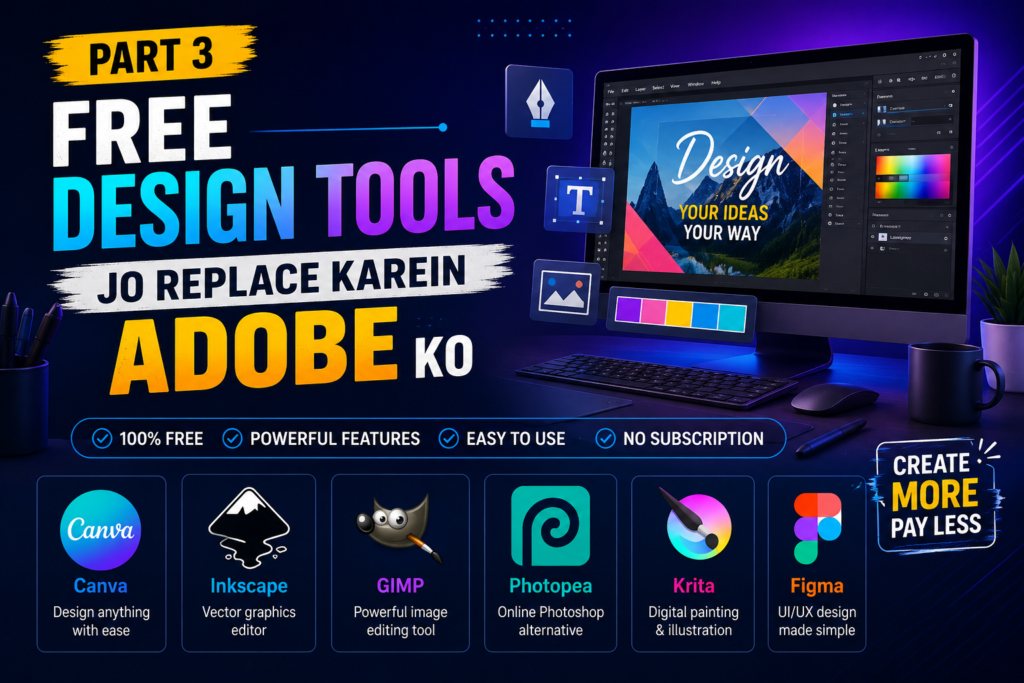
Design tools ke liye paise dena ab zaroorat nahi raha. Yeh free tools professional quality output dete hain.
9. Canva Free — Sabse Popular Free Design Tool
Canva ko introduce karna almost unnecessary lagta hai — itna popular hai. Lekin jo log abhi tak Canva use nahi karte, unke liye yeh ek complete game-changer hai.
Free plan mein kya milta hai:
- 250,000+ free templates
- 100+ design types (social media, posters, presentations, logos, etc.)
- 5GB cloud storage
- Background remover (limited)
- Photo editor
- Team collaboration (limited)
Top Free Software Tools for Video Editing ki is guide mein Canva isliye include kiya hai kyunki aaj video thumbnails, channel art, aur social media graphics bhi video workflow ka hissa ban gaye hain.
Best for: Social media graphics, YouTube thumbnails, Instagram posts, presentations, flyers
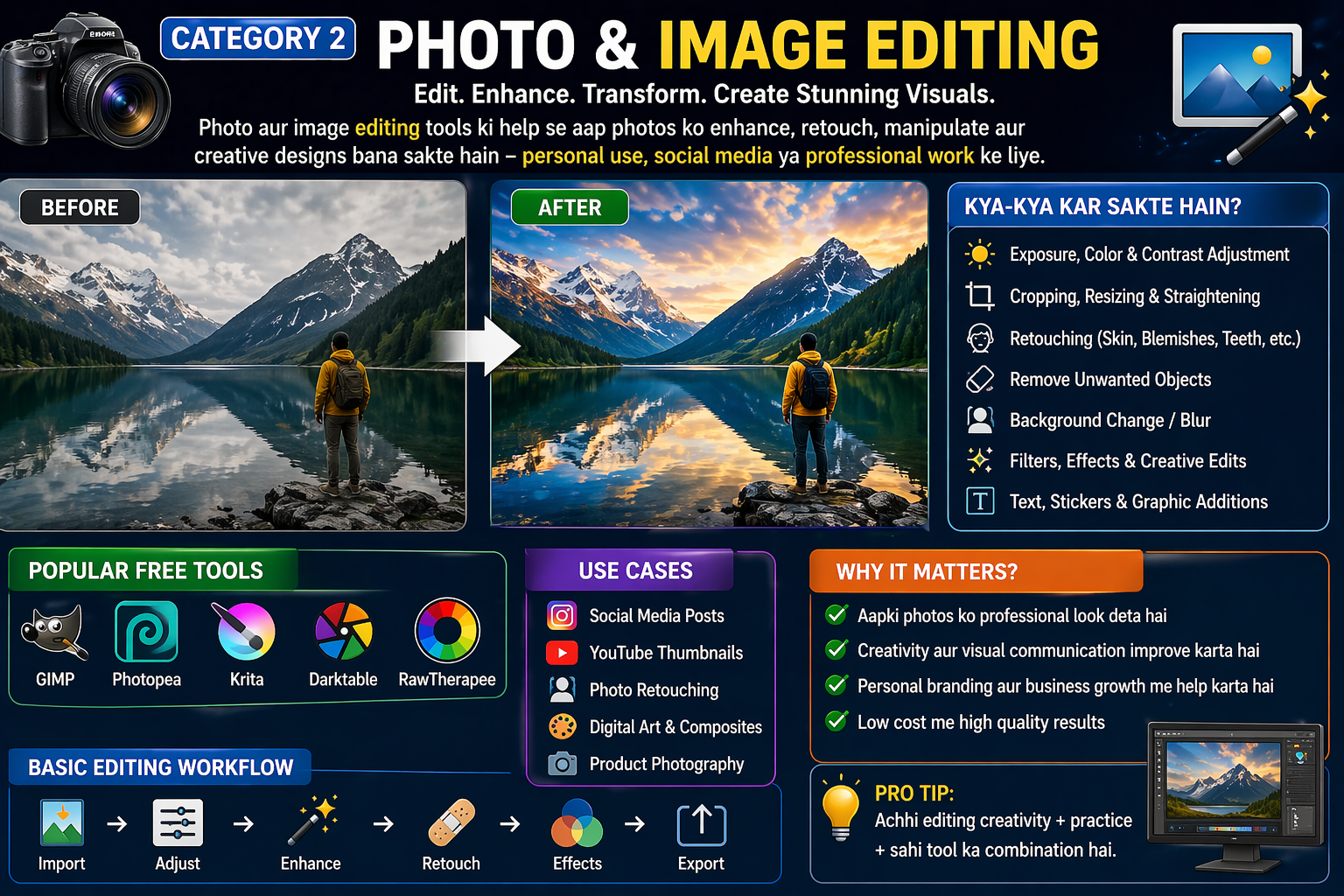
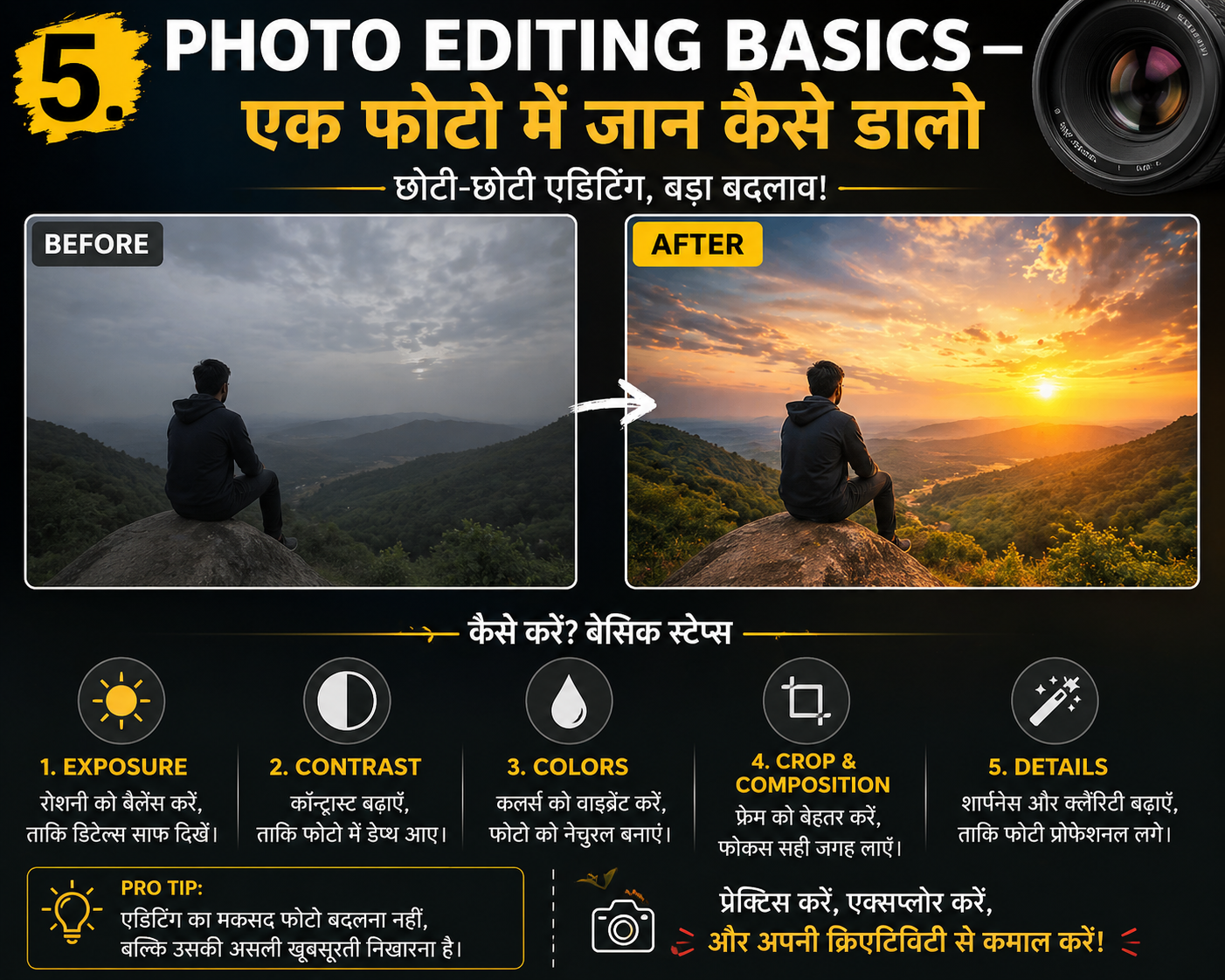
10. GIMP — Professional Photo Editing Bilkul Free
GIMP (GNU Image Manipulation Program) Photoshop ka sabse powerful free alternative hai. Version 3.0 ke saath 2025-2026 mein yeh aur bhi better ho gaya hai.
Features:
- Layer-based editing
- Advanced selection tools
- Filters aur effects library
- Script-Fu for automation
- RAW photo support
- Plugin ecosystem
Ek important tip: GIMP ka interface pehle thoda confusing lagta hai. Lekin YouTube par “GIMP beginners Hindi tutorial” search karo — 2-3 videos dekhne ke baad sab clear ho jaata hai.
Bonus — Inkscape for Vector Design
Logo design aur vector graphics ke liye Inkscape Adobe Illustrator ka ek powerful free replacement hai. Yeh Top Free Software Tools for Video Editing aur design workflows ke liye bhi kaafi useful hai.
Ek Complete Free Toolkit — Summary Table
| Category | Tool | Replaces | Annual Savings |
|---|---|---|---|
| Video Editing | DaVinci Resolve | Adobe Premiere | Rs. 20,100 |
| Video Editing | Kdenlive | Final Cut Pro | Rs. 25,000 |
| Video Editing | CapCut Desktop | Filmora | Rs. 4,000 |
| Office Work | LibreOffice | Microsoft Office | Rs. 4,999 |
| Office Work | Google Workspace | MS 365 Business | Rs. 7,200 |
| Office Work | Notion Free | Notion Plus | Rs. 4,800 |
| Design | Canva Free | Canva Pro | Rs. 3,999 |
| Design | GIMP | Adobe Photoshop | Rs. 20,100 |
| Design | Inkscape | Adobe Illustrator | Rs. 20,100 |
Total Annual Savings: Rs. 1,10,000+
Yeh table dekhne ke baad yeh clearly samajh aata hai ki Top Free Software Tools for Video Editing, office aur design ke liye alag alag khar karna kitna expensive ho sakta tha.
Kaunsa Tool Pehle Install Karein? — Beginners Ke Liye Priority List
Agar aap abhi shuru kar rahe hain aur samajh nahi aa raha ki kahaan se start karein, toh yeh simple priority list follow karein:
Agar aap student hain:
- LibreOffice (office work ke liye)
- Canva (assignments aur presentations ke liye)
- Kdenlive (video projects ke liye)
Agar aap YouTuber/Content Creator hain:
- DaVinci Resolve (video editing ke liye)
- CapCut Desktop (short form content ke liye)
- Canva (thumbnails ke liye)
- GIMP (advanced photo editing ke liye)
Agar aap Freelancer/Designer hain:
- GIMP (photo editing ke liye)
- Inkscape (vector design ke liye)
- Canva (quick social media graphics ke liye)
- LibreOffice (client proposals aur invoices ke liye)
Agar aap Office Professional hain:
- LibreOffice ya Google Workspace (daily office work ke liye)
- Notion (project aur task management ke liye)
- Canva (presentations aur reports ke liye)
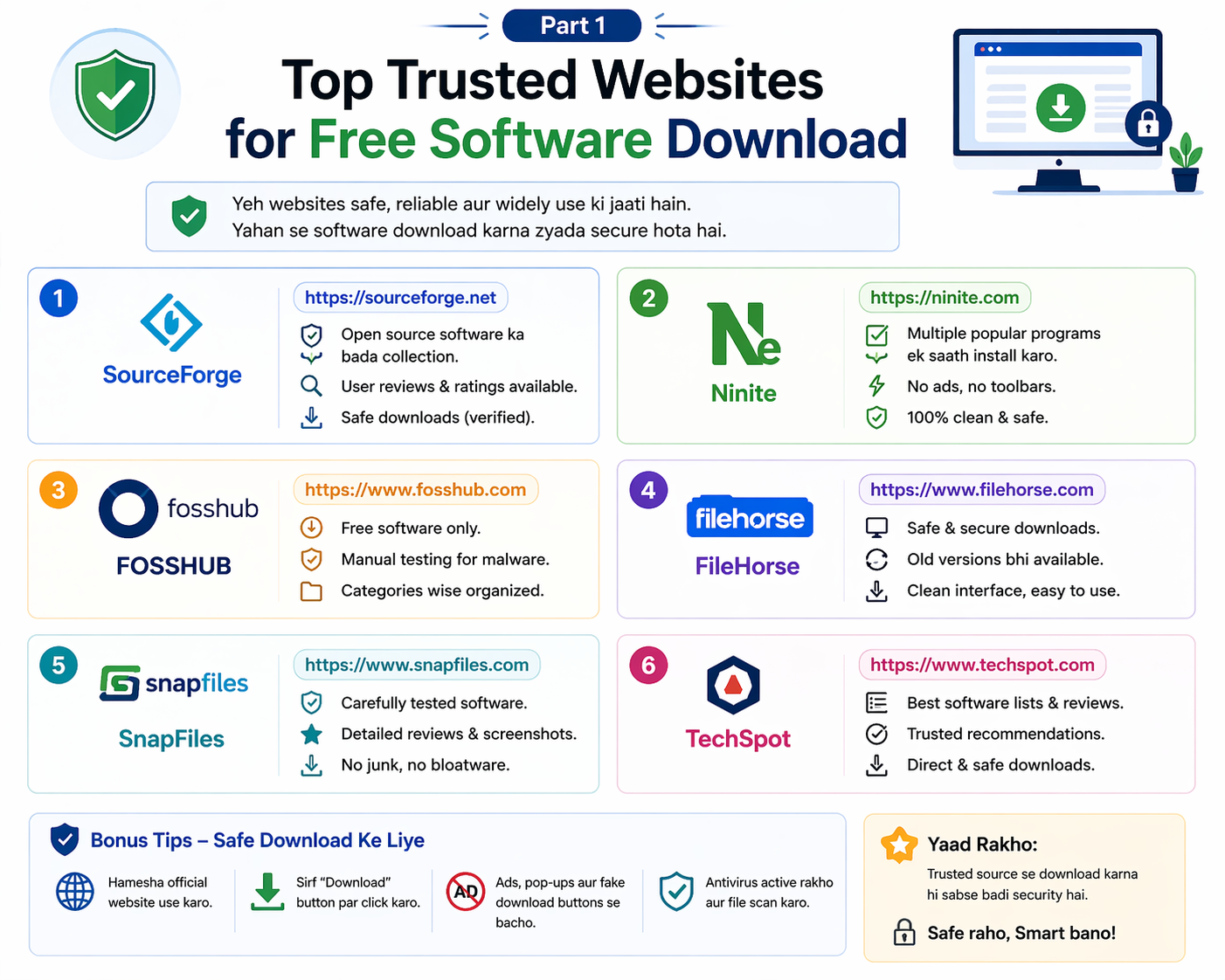
Safe Download Ke Liye Golden Rules
Top Free Software Tools for Video Editing aur baaki sab tools download karte waqt yeh rules zaroor follow karein:
Rule 1 — Sirf Official Website Use Karein Har tool ke neeche official download link diya gaya hai. Sirf wahi use karein. Google ads par click mat karein.
Rule 2 — VirusTotal Scan Karein Download ke baad virustotal.com par file upload karein aur 70+ antivirus engines se scan karein.
Rule 3 — Custom Install Choose Karein Setup ke time “Custom” ya “Advanced” install choose karein taaki bundled software install na ho.
Rule 4 — Updates Ko Ignore Mat Karein In tools ke updates regularly aate hain. Updates mein security fixes bhi hote hain — inhe lagaate rahein.
Rule 5 — Backup Pehle Koi bhi naya software install karne se pehle apne important files ka backup zaroor lein.
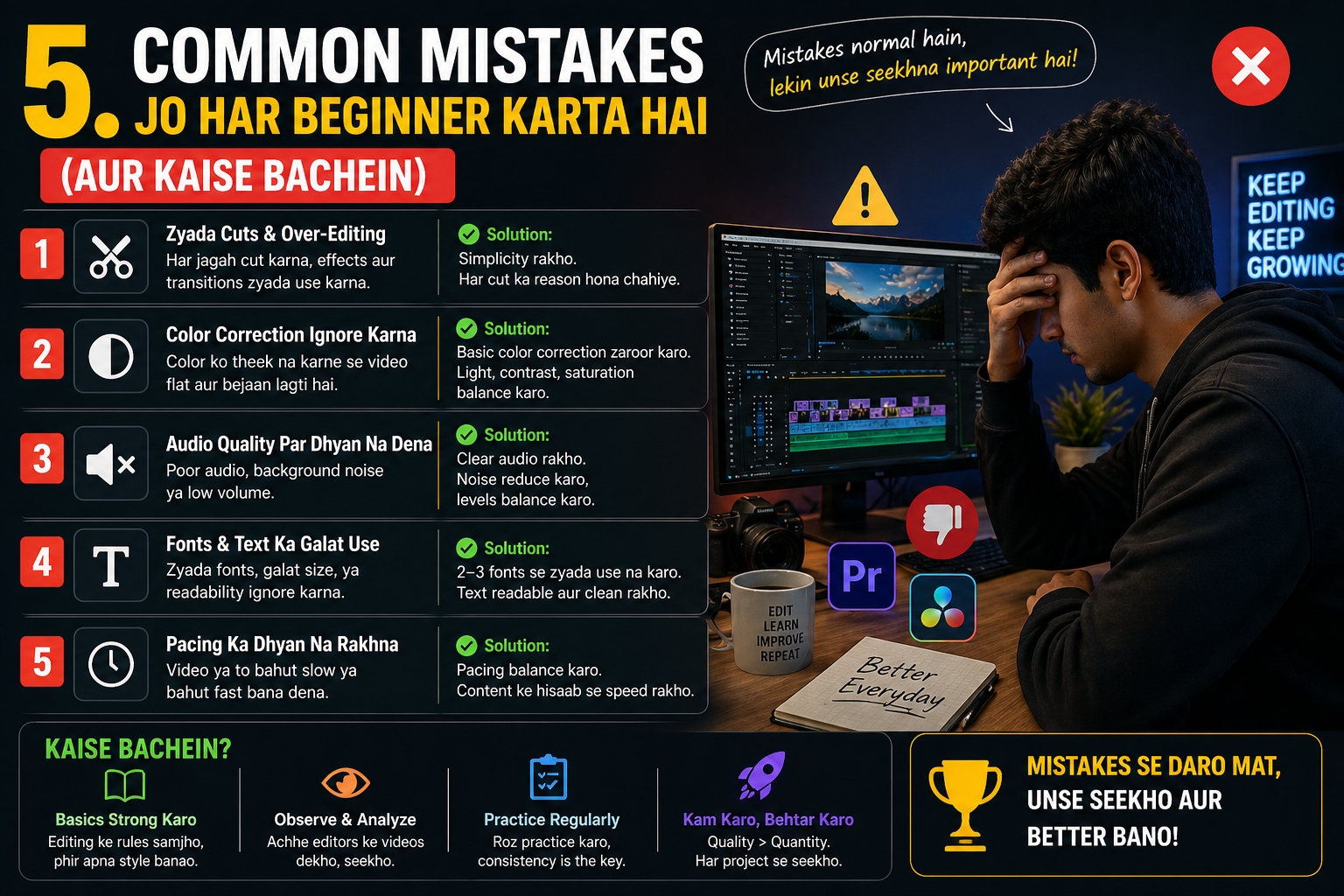
Common Mistakes Jo Beginners Karte Hain
Mistake 1 — Ek Saath Sab Install Kar Lena Ek baar mein sab kuch install karne ki koshish mat karo. Pehle ek tool seekho, usse comfortable ho jao, phir agle par jao.
Mistake 2 — Tutorial Skip Karna GIMP ya DaVinci Resolve bina tutorial ke kholne par confusing lag sakta hai. Pehle ek beginner tutorial dekho — 30 minutes mein basics clear ho jaayenge.
Mistake 3 — Pirated Version Download Karna Kabhi bhi crack ya pirated software download mat karo — jab legitimate free options available hain toh iska koi reason nahi hai. Pirated software mein 90% cases mein malware hota hai.
Mistake 4 — Third Party Sites Se Download Karna Filehippo, softonic, aur aise sites se bachein jab official website available ho. Yeh sites kabhi kabhi extra bundled software dete hain.
Frequently Asked Questions
Q: Kya DaVinci Resolve beginner ke liye theek hai ya bahut advanced hai? DaVinci Resolve advanced hai lekin beginners ke liye bhi seekhna possible hai. YouTube par “DaVinci Resolve beginners Hindi” search karein — bahut achhe tutorials milenge. Agar bahut simple chahiye toh Kdenlive ya OpenShot se shuru karein.
Q: Kya LibreOffice MS Office files properly open kar sakta hai? Haan, 95% cases mein perfectly kaam karta hai. Simple documents mein koi issue hi nahi hota. Bahut complex formatting wale documents mein kabhi kabhi minor differences aa sakte hain.
Q: CapCut India mein available hai? Haan, CapCut desktop version currently India mein available hai. Mobile version ke baare mein check karte rahein kyunki policies change ho sakti hain.
Q: Kya yeh sab tools Windows 11 par kaam karte hain? Haan, is list ke sab tools Windows 10 aur Windows 11 par perfectly kaam karte hain. Mac aur Linux par bhi zyada tar tools available hain.
Q: Low-end PC par video editing possible hai? Haan, Kdenlive mein “Proxy Editing” feature hai jo low-end computers par bhi smooth editing allow karta hai. DaVinci Resolve ke liye thoda better hardware chahiye.
Conclusion: Top Free Software Tools for Video Editing
poori guide ko padhne ke baad ab aapke paas ek complete roadmap hai. Top Free Software Tools for Video Editing, office work, aur design ke liye aapko 2026 mein ek bhi rupaya kharch karne ki zaroorat nahi hai.
DaVinci Resolve se Hollywood-level video editing. LibreOffice se professional office documents. GIMP aur Canva se stunning designs. Yeh sab bilkul free — legally, safely, aur reliably.
Sirf ek cheez yaad rakho — in tools ki real value tabhi milti hai jab aap inhe actually use karo. Download karo, tutorials dekho, practice karo. Ek mahine ki practice ke baad aap khud notice karenge ki aap kitna kuch kar sakte hain — bina ek rupaya kharch kiye.
Top Free Software Tools for Video Editing aur is poori guide ko apne un doston ke saath zaroor share karein jo abhi bhi mehengi software subscriptions pay kar rahe hain ya worse — pirated software use kar rahe hain. Kyunki ab koi excuse nahi hai.
Shubh shuruat! Aapka creative safar aaj se hi shuru hota hai.